

10 Advanced Prompts to Create Realistic Wallpapers with DALL·E or Midjourney

by Imaginawalls
January 26, 2026 — 4 Min readCreating stunning, high-resolution wallpapers with AI isn’t just about typing a vague idea into a text box—it’s about crafting precise, evocative prompts that guide the model toward your vision. Whether you’re designing serene nature scenes, urban dreamscapes, or stylized animal portraits, the right prompt can make all the difference between a generic output and a gallery-worthy wallpaper.
In this post, I’ll share 10 advanced, ready-to-use prompts optimized for tools like DALL·E 3 and MidJourney, each designed to generate photorealistic or artistically refined wallpapers in popular categories. These prompts include technical details (like aspect ratio and lighting) and creative descriptors that help the AI understand mood, texture, and composition.
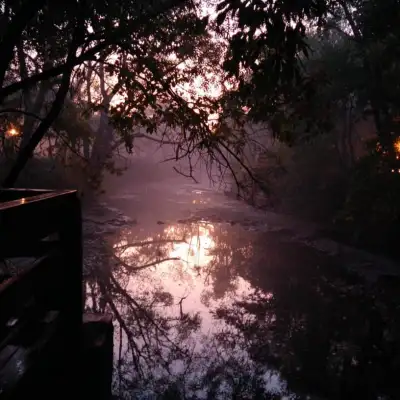
1. Misty Forest at Dawn – Photorealistic Nature Wallpaper
A hyper-detailed, photorealistic forest at dawn, soft golden light filtering through tall pine trees, mist rising from the mossy ground, shallow depth of field, 16:9 aspect ratio, 8K resolution, cinematic atmosphere --v 6.0 --style raw
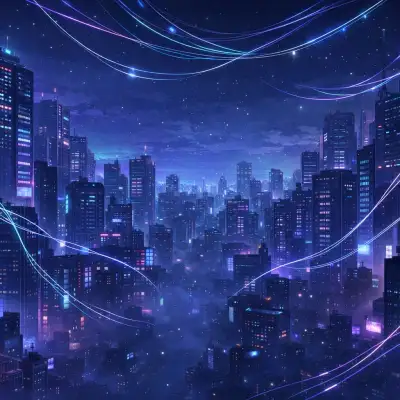
2. Cyberpunk Rooftop in São Paulo – Urban Night Scene
A neon-lit rooftop overlooking downtown São Paulo at night, rain-slicked surfaces reflecting holographic billboards, distant Christ the Redeemer silhouette, cinematic cyberpunk aesthetic, moody blue and purple tones, ultra-wide 21:9 format --ar 21:9 --q 2
3. Arctic Fox in Snowstorm – Wildlife Portrait
Close-up of an arctic fox emerging from a snowstorm, wind-blown fur, intense eyes, shallow depth of field, natural winter lighting, National Geographic style, 4K wildlife photography --style raw --v 6.0
4. Studio Ghibli–Inspired Countryside – Animated Landscape
A peaceful Japanese countryside at sunset, rolling green hills, wind turbines in the distance, soft clouds, warm pastel palette, Studio Ghibli animation style, dreamy and nostalgic mood, 16:9 wallpaper --niji 5
5. Desert Canyon with Milky Way – Astrophotography Style
Grand canyon under a crystal-clear night sky filled with stars and the Milky Way, long exposure photography, red rock formations, no light pollution, ultra-high detail, 8K astrophotography wallpaper --ar 16:9
6. Traditional Brazilian Craft Meets Futurism
A futuristic reinterpretation of Paraíban renda renascença lace woven into a glowing digital textile, floating in zero gravity against a deep indigo cosmos, intricate patterns, soft ambient glow, concept art style --v 6.0
7. Rainy Tokyo Street – Cinematic Mood
Rainy evening on a narrow Tokyo street, glowing lanterns, blurred motion of passing pedestrians, reflections on wet asphalt, cinematic teal and orange color grading, film noir atmosphere, 16:9 --style raw
8. Majestic Eagle Over Andes Mountains
A bald eagle soaring above the snow-capped Andes at sunrise, dramatic clouds, golden rim lighting, ultra-sharp wildlife photography, National Geographic cover style, 4K resolution --ar 16:9
9. Minimalist Zen Garden – Calming Desktop Background
Minimalist Japanese zen garden with raked white gravel, single maple tree with red leaves, soft morning fog, clean composition, muted earth tones, perfect for desktop wallpaper, 16:9, flat lighting --style raw
10. Mythical Wolf in Northern Lights
A lone wolf standing on a frozen lake under swirling aurora borealis, icy breath visible, star-filled sky, fantasy realism, dramatic yet serene, inspired by fantasy book covers, 8K wallpaper --v 6.0 --ar 16:9
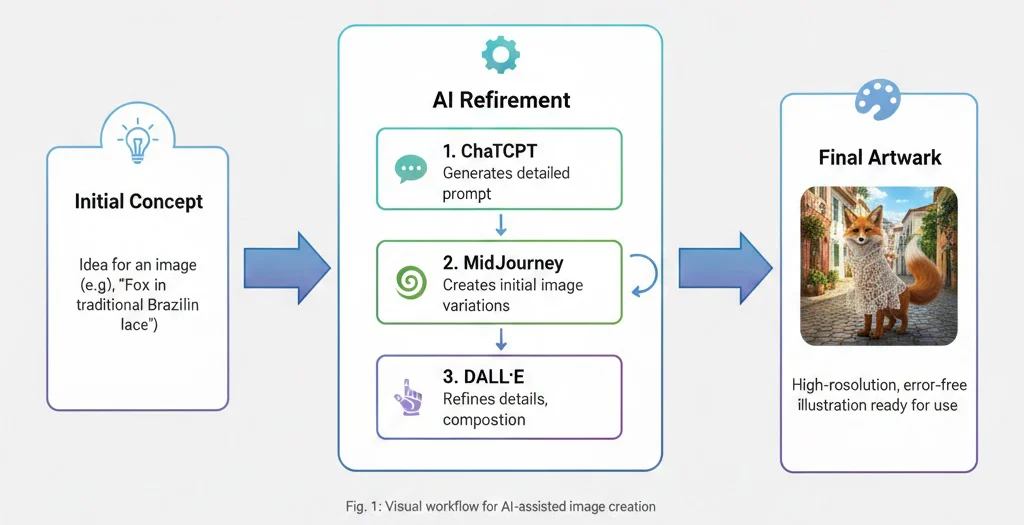
Pro Tips for Realistic AI Wallpapers
- Always specify aspect ratio: Use
--ar 16:9for desktops or--ar 9:16for mobile. - Use photographic keywords: “8K,” “DSLR,” “bokeh,” “golden hour,” or “f/1.8 aperture” boost realism.
- Mention artists or studios: “In the style of Artgerm,” “Makoto Shinkai background,” or “Greg Rutkowski lighting” guides style effectively.
- Avoid overloading: Too many conflicting elements can confuse the model—focus on 2–3 key visual anchors.
Remember: even the most advanced AI tools reflect the clarity of your intent. The more vividly you can describe your ideal image—in terms of light, texture, culture, and emotion—the closer the result will be to your imagination.
And if you’re sharing these wallpapers publicly (like on Imaginawalls), always review outputs for unintended content. AI is powerful, but responsible curation ensures your platform remains safe, inspiring, and inclusive.
Now go ahead—copy one of these prompts, paste it into MidJourney or DALL·E, and start generating your next masterpiece.